Build a small video game with Claude
A good first game gives the player something understandable to do, a reason to keep trying, and a clean way to start again. Use Claude to build a small browser game before attempting a sprawling world. The exercise here is a fictional one-screen game called Catch the Comets.
What you’ll take away
- Specify the game loop before asking for art or levels.
- Test restart, timing, keyboard and touch as part of the game.
- Publish a real build and verify its assets outside the development preview.
Write the loop in plain language
In Catch the Comets, a player moves a basket left and right to catch falling stars. Catching a star adds one point; missing three ends the round. A round lasts no more than a minute. The player sees a score, remaining misses and a restart button. That is enough to test whether the core action feels enjoyable.
Write the rules so a stranger could judge whether the game follows them. Decide whether a collision counts when the edges touch, whether the game pauses when the tab loses focus, and whether the first falling star gives the player time to react. These small decisions prevent an impressive-looking scene from hiding an unclear game.
- Action: move the basket and catch a star.
- Feedback: show a visible catch and update the score once.
- Challenge: gradually increase falling speed within a defined limit.
- Ending: show the result and offer a fresh round.
Use a browser first, add an engine when it helps
HTML, CSS and JavaScript can support a simple browser game. For this exercise, ask for a canvas-based play area and ordinary HTML buttons for controls and restart. Keeping the surrounding controls as real buttons helps keyboard access and makes the page easier to use on a phone.
For a more involved game, an engine such as Phaser can provide scenes, animation and other game features. Follow its current installation guidance and keep the project’s dependency versions recorded. Do not assume an engine removes the need to test collisions, asset loading or mobile input. Start with simple shapes so the game remains understandable while you work out its rules.
Ask for a playable slice
Ask Claude to describe the implementation and checks before adding features. A single screen is a useful first milestone: title, instructions, play, end and restart. Use an explicit list of exclusions to avoid a sudden multiplayer service or leaderboard that creates more work than the game itself.
Opus 5.5 is a current Claude model, but a model name is not a guarantee of correct game logic. Review what it produced. If Claude gives you an artifact, check the current sharing restrictions; a new artifact link normally requires a Claude account. To reach players without that requirement, use a separately hosted build where supported.
A prompt to adapt
Select and copy this brief, then replace the details with your own.
Build Catch the Comets as a small browser game. Draw simple shapes, not downloaded assets. Use left/right keys and visible touch buttons. Catching one falling star adds exactly one point. Three misses end the round. Pause when the page is hidden. Restart must reset the score, misses, objects and timers. Fit a narrow phone screen without horizontal scrolling. No login, leaderboard, purchases or external services. List acceptance checks and implement the smallest playable version first.Try to break the round
Play several short rounds with different inputs. Hold both direction controls, tap rapidly, restart during play, resize the window and switch tabs. Check that the score does not increase twice for one star and that a completed round stops its timers. A restart bug often creates overlapping game loops, making the second round mysteriously faster.
On a phone, hold the controls for a full round. The browser should not select text or scroll the page while the player is intentionally steering inside the game. Keep instructions readable and leave enough room for a finger without covering the basket. If the interaction genuinely needs a mouse or large screen, say so before play and offer a way to save the link for later.
Add character after the loop works
Choose one visual idea: a paper cutout sky, a monochrome terminal or a soft watercolor palette. Make feedback readable before adding effects. A short color change and a clear score update may communicate a catch better than several particles. Include a sound toggle and avoid depending on sound to communicate a loss.
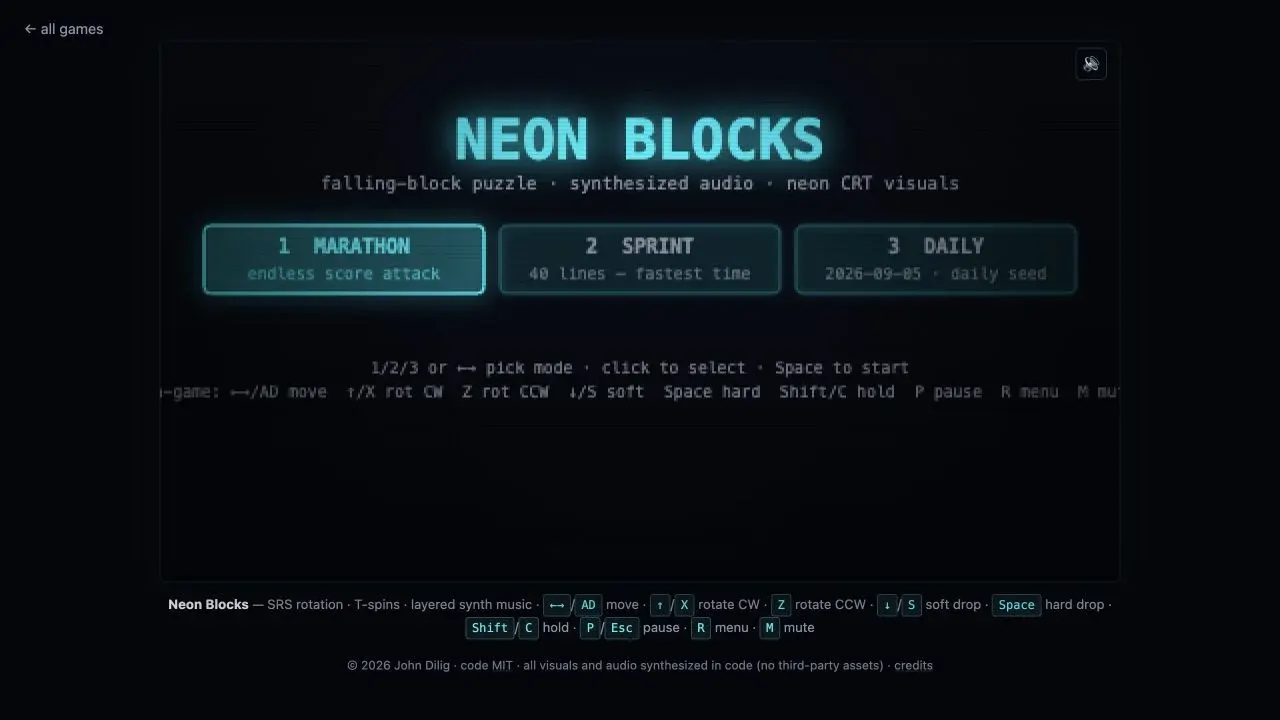
Use artwork, fonts and music you created or have permission to use. Keep a record of asset origins and licenses with the project. Do not copy an existing game’s characters or branding simply because the agent can generate a close imitation. Study creators such as Nicky Case and John Dilig for understandable play, while making your own rules and visual identity.
Share the game you actually tested
Publish the built files through an appropriate host. itch.io is one option for browser projects and documents its expected upload format. Open the published page in a fresh browser, verify every image and sound, and play a full round. Relative file paths that work locally can fail after upload.
Give the page a screenshot, the controls, the intended device and a short description of the goal. Invite feedback about the round itself: “Was the first catch obvious?” is more actionable than “Do you like my game?” Keep the first release small enough that you can fix what players discover.
Before you move on
- A player can understand the goal before starting.
- Score and collision checks behave consistently.
- Restart produces a genuinely fresh round.
- Keyboard and touch controls work or device limits are explained.
- The published game loads all assets and completes a round.
Sources
Official documentation and original sources used for this guide. Product features and availability can change; check the linked source before choosing a plan or publishing.
- Claude Opus 5.5 anthropic.com
- MDN game introduction developer.mozilla.org
- Phaser starter guidance docs.phaser.io
- itch.io browser-game publishing itch.io
- Claude artifact sharing support.claude.com