Build interest in a film with a trailer
A film trailer has a different job from a production diary. It should make someone want to watch more, then give that person a clear next step. Use this checklist to plan the preview and the page around it.
What you’ll take away
- Lead with a compelling moment, not a list of production tools.
- Label the trailer and the film’s actual production status clearly.
- Measure qualified interest as well as views.
Choose one promise to the viewer
Write down the feeling or question you want the audience to leave with. Select a few shots that establish the world, introduce a tension and make that question harder to ignore. Do not try to compress the entire plot into the preview.
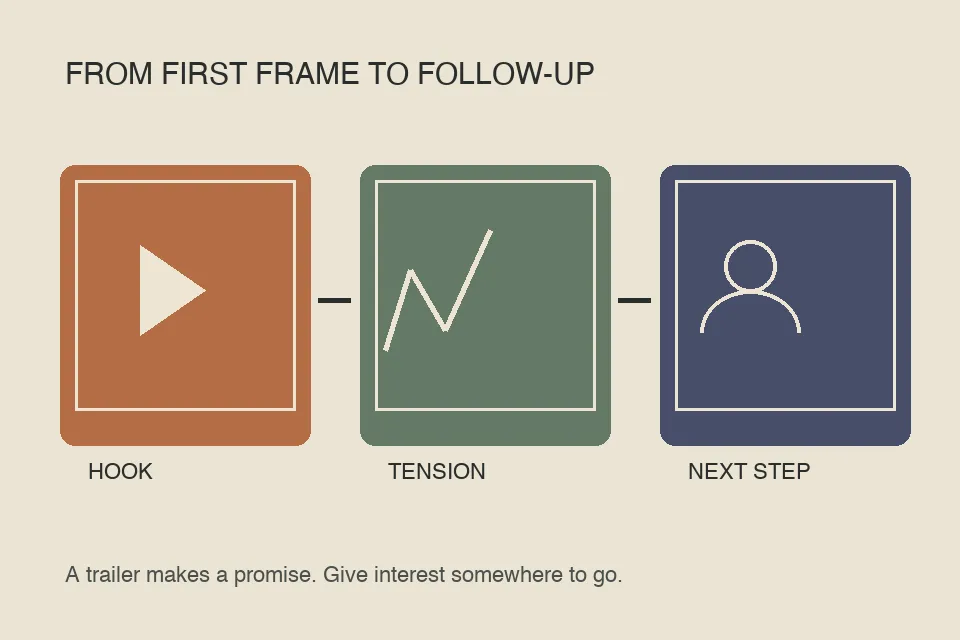
A simple planning sequence is hook, orientation, escalation, memorable final image, title and next step. Treat it as an editing aid, not a claim that every successful trailer follows one structure.
Give the trailer a useful home
Put the playable trailer near the top of the project page. Credit the creator, describe the premise briefly and distinguish a concept trailer from a film in production or a released film. Link to the creator’s own updates.
Keep original hosting and attribution when embedding another creator’s trailer. If embedding fails, provide a clearly labeled original-video link rather than a broken player. Publishing your own commentary does not require re-uploading the whole film trailer.
Plan the follow-up before the launch
Prepare concise answers to likely questions: who is making it, what is finished, where updates will appear, and whether there is a release date. A short creator update can keep attention focused on the actual project rather than speculation.
NUREMBERG provides a current example of this sequence: TUPACABRA posted an official trailer, then clarified authorship and production status. See the linked story for the original sources; this checklist is MadeByWho’s editorial advice, not the creator’s stated marketing plan.
Measure the next step, not just the view count
Track trailer starts and completion where the host provides them, visits to the project page, follows or voluntary update signups, and returning viewers. Separate these measures rather than treating a platform view as a purchase commitment.
Test one meaningful change at a time, such as the opening shot, thumbnail or call to action. Compare the quality of the response as well as reach. Keep music, footage and likeness permissions documented before distributing the trailer across channels.
Before publishing, watch the export on a phone with sound muted and then with sound enabled. Make the title and essential text legible, leave breathing room around captions and check the opening frame used as the thumbnail. Ask a few viewers what they think the film is about and what they would do next. If those answers differ from your intention, revise the edit or the page rather than adding more promotional claims.
Before you move on
- The preview is clearly labeled as a trailer.
- Creator credit and current production status are visible.
- The next step leads to the original creator.
Sources
Official documentation and original sources used for this guide. Product features and availability can change; check the linked source before choosing a plan or publishing.